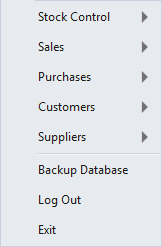
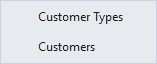
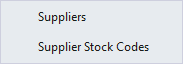
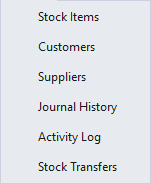
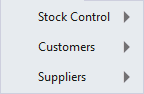
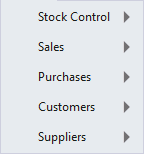
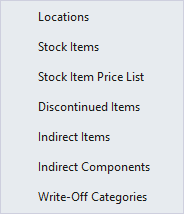
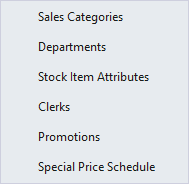
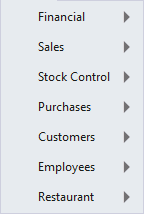
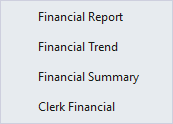
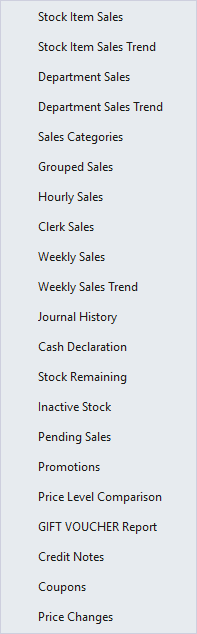
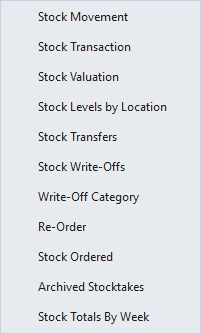
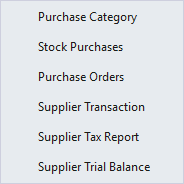
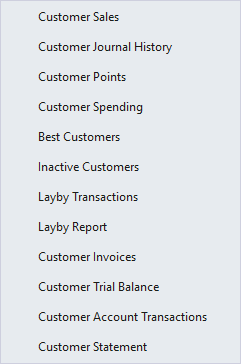
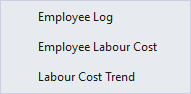
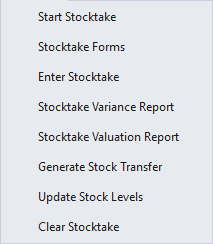
The Back Office Menus are the only way to access all areas of the program.
Access to each menu item can be enabled or disabled via the User Permissions.
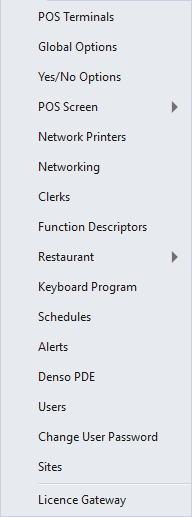
There are many menu options which will only appear on the Back Office after specific modules have been enabled in your Licence Gateway.
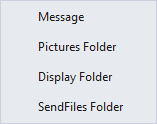
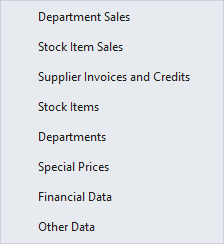
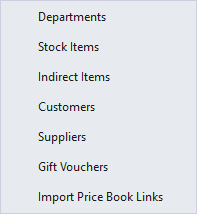
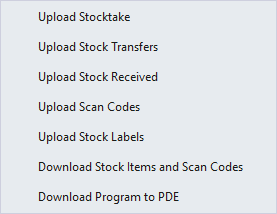
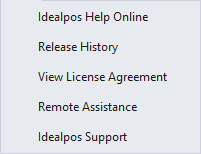
Menus that are available include:
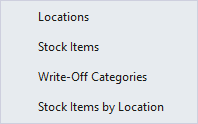
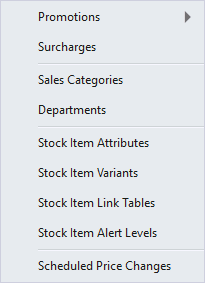
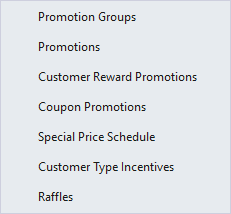
Click on the menu link below to display the options available.
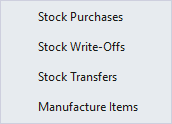
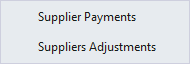
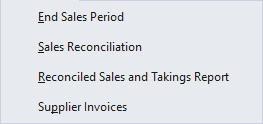
This menu will allow you to perform transactions against specific areas of the database.
Note that access to the Suppliers option in this menu will only appear when the Yes/No Option "Enable Supplier Payments/Adjustments" is enabled.
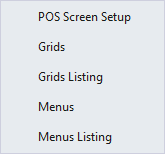
This menu will only be visible if you have an Accounting module enabled in the Licence Gateway.
It will allow you to perform advanced accounting functions on the Idealpos database.
Refer to the Accounting Interface topic for more information about using these functions with your enabled Accounting Package.
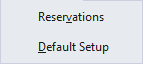
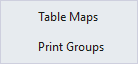
This menu will only be visible if you have a Reservations module enabled in the Licence Gateway.
It will allow you to perform advanced Reservation functions on the Idealpos database.
Refer to the Idealpos Reservations topic for more information about using these functions.
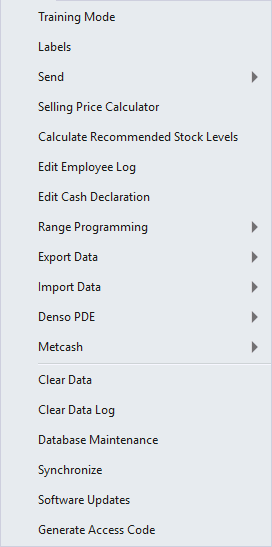
The Utilities menu will offer functions that can manipulate the database.
These are generally advanced functions that can cause damage to the use of the database if not used or understood correctly.
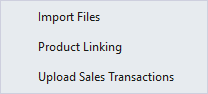
This menu will only be visible when the Metcash Basic or Metcash Advanced module is enabled in the Licence Gateway.
It is used for Importing Host Files, Product Linking and Uploading Sales Transactions to Metcash.
These functions are outlined further in the Metcash Integration topic.